Offline Fallback for a Mobile LoRaWAN Gateway
Jannis Lübbe
jaluebbe
ROSEN Group
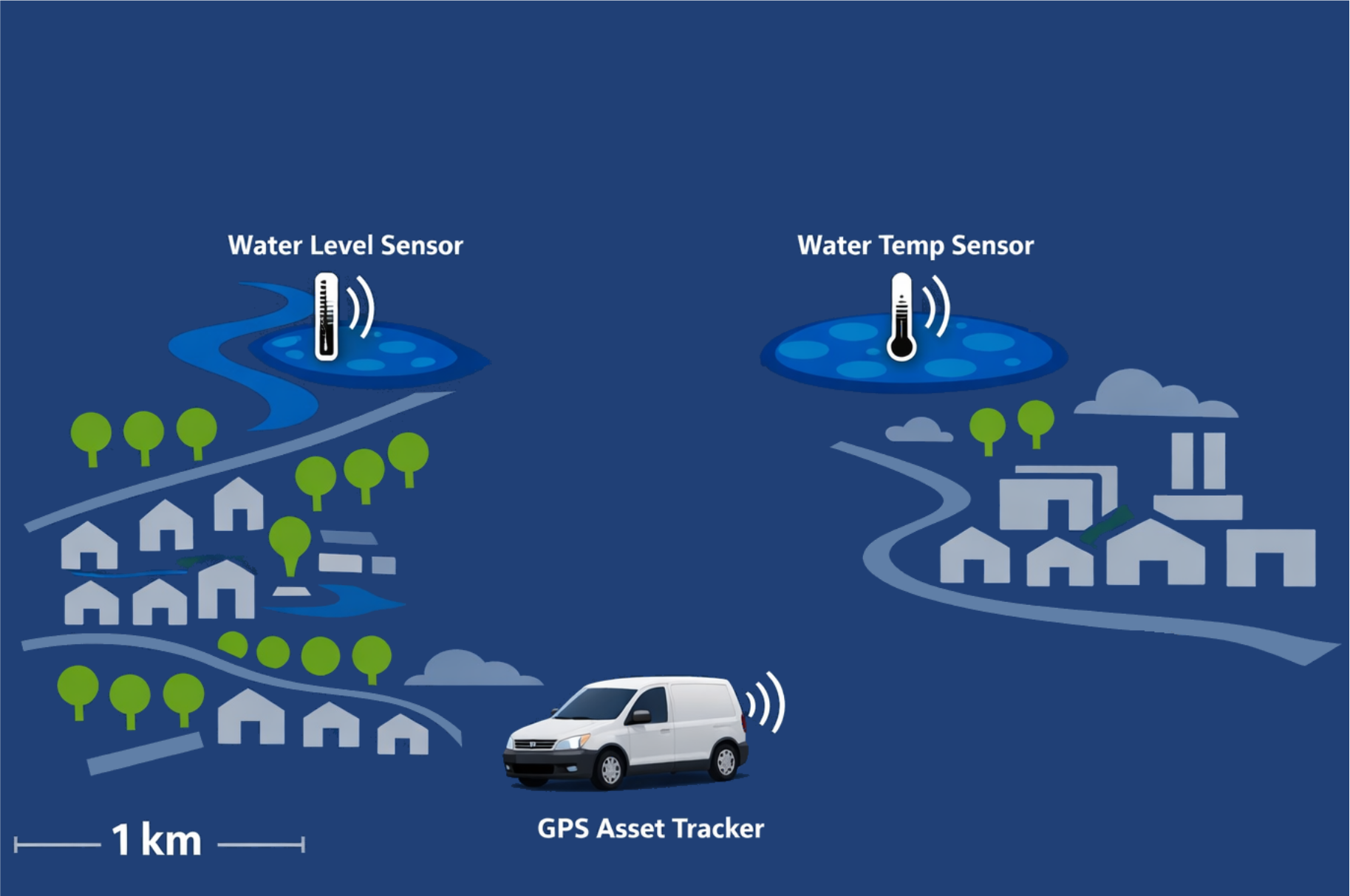
Typical sensor nodes
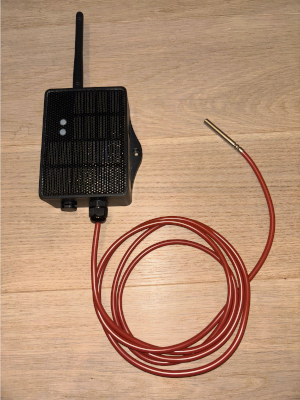
Temperature
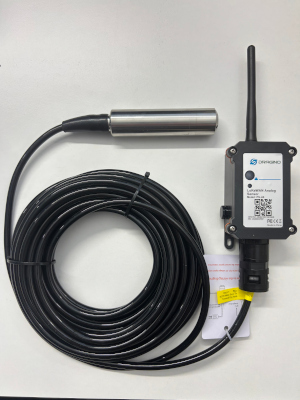
Water level
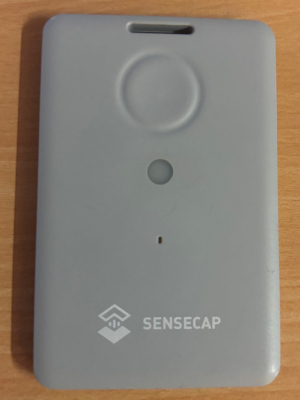
GPS location
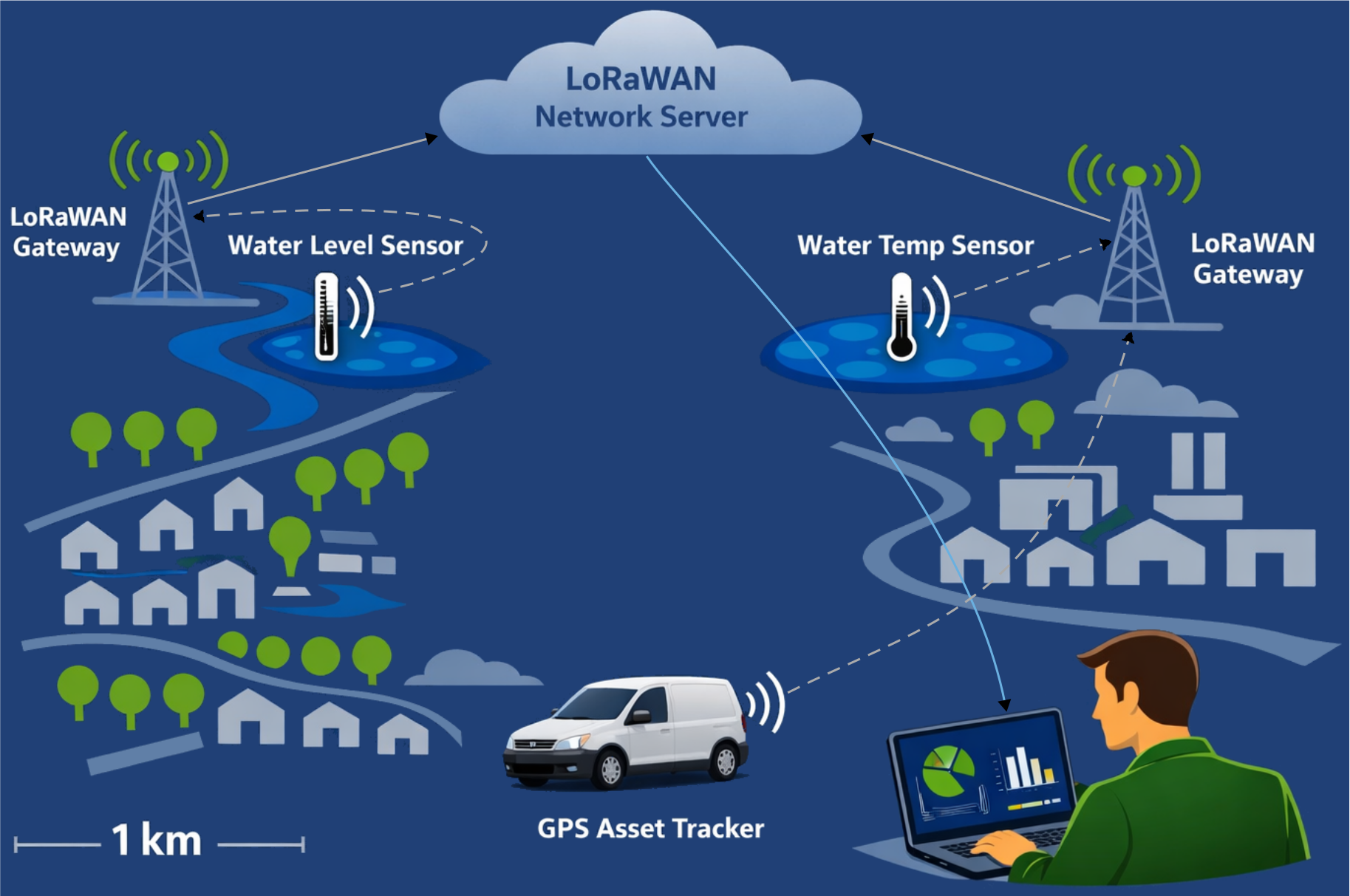
LoRaWAN – what is it?
- Long Range Wide Area Network
- Operates at 868 MHz in Europe
- Long range, low power, low data rate
- Message based
- Encrypted transmission
LoRaWAN data rate & limits
- Up to 5.5 kbit/s – roughly comparable to a fax machine 📠 (still indispensable in Germany)
- Legal duty cycle limit: 1% → max. 36 s/h on air
- TTN fair use policy: max. 30 s airtime per day
LoRaWAN architecture
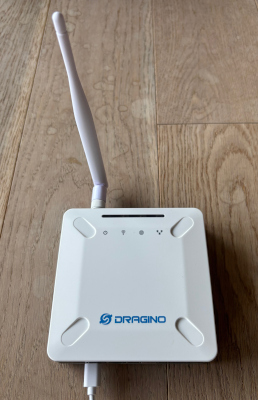
- Gateway forwards raw frames to The Things Stack Sandbox (TTN)
- Decryption and decoding happen on the Network Server
- Cloud dependency is structural
From gateway to application
- TTN cloud decrypts the payload and routes it by application ID and device ID
- Each device has a JavaScript decoder in the cloud
// TTN decoder for my_application / my_device
function decodeUplink(input) {
  return {
    data: {
      // e.g. water_level_cm: parseWaterLevel(input.bytes),
      bytes: input.bytes
    },
    warnings: [],
    errors:   []
  };
}
module.exports = { decodeUplink };Sensor online, internet offline
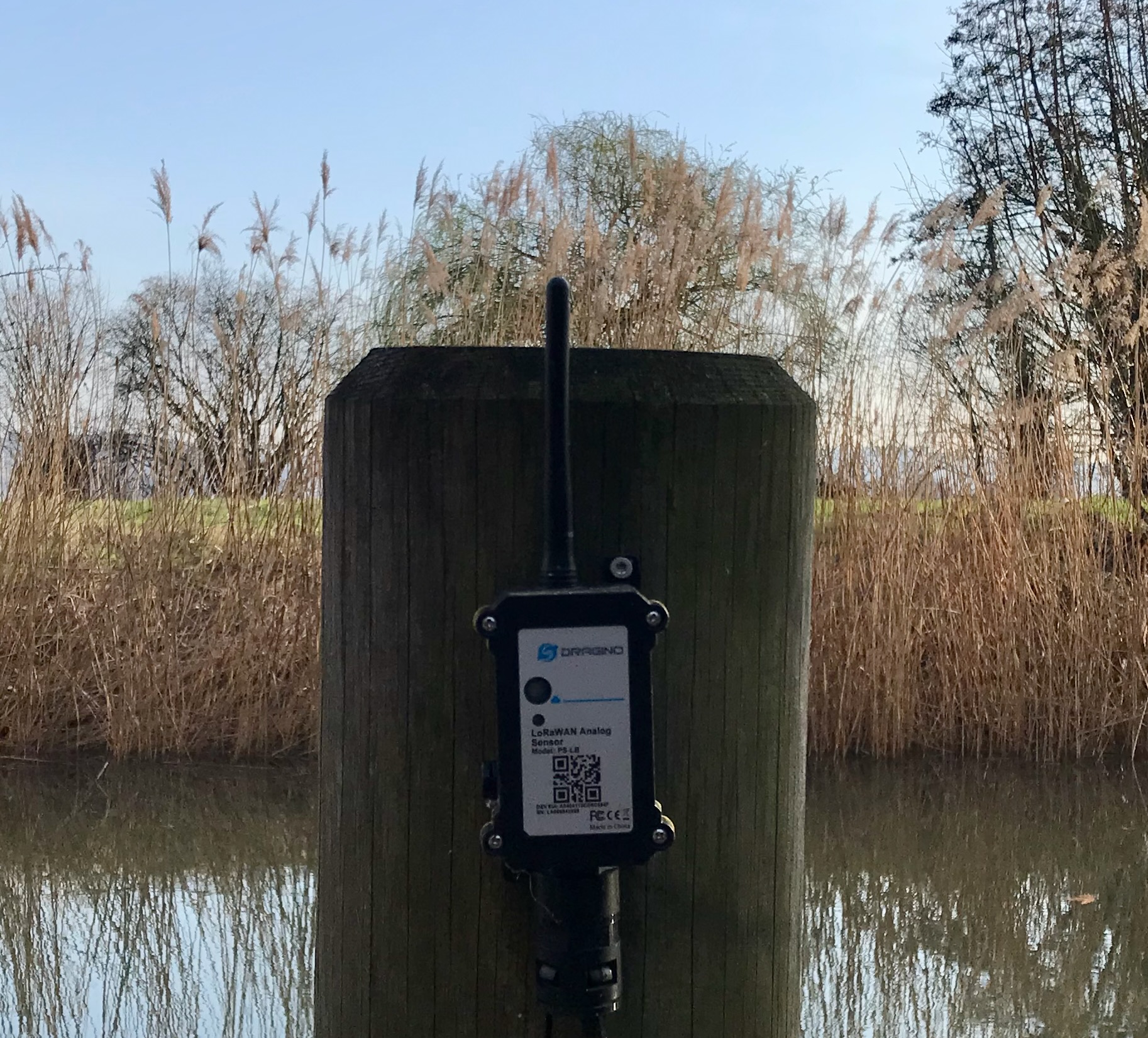
- Water is rising
- Internet is gone
- All data is lost
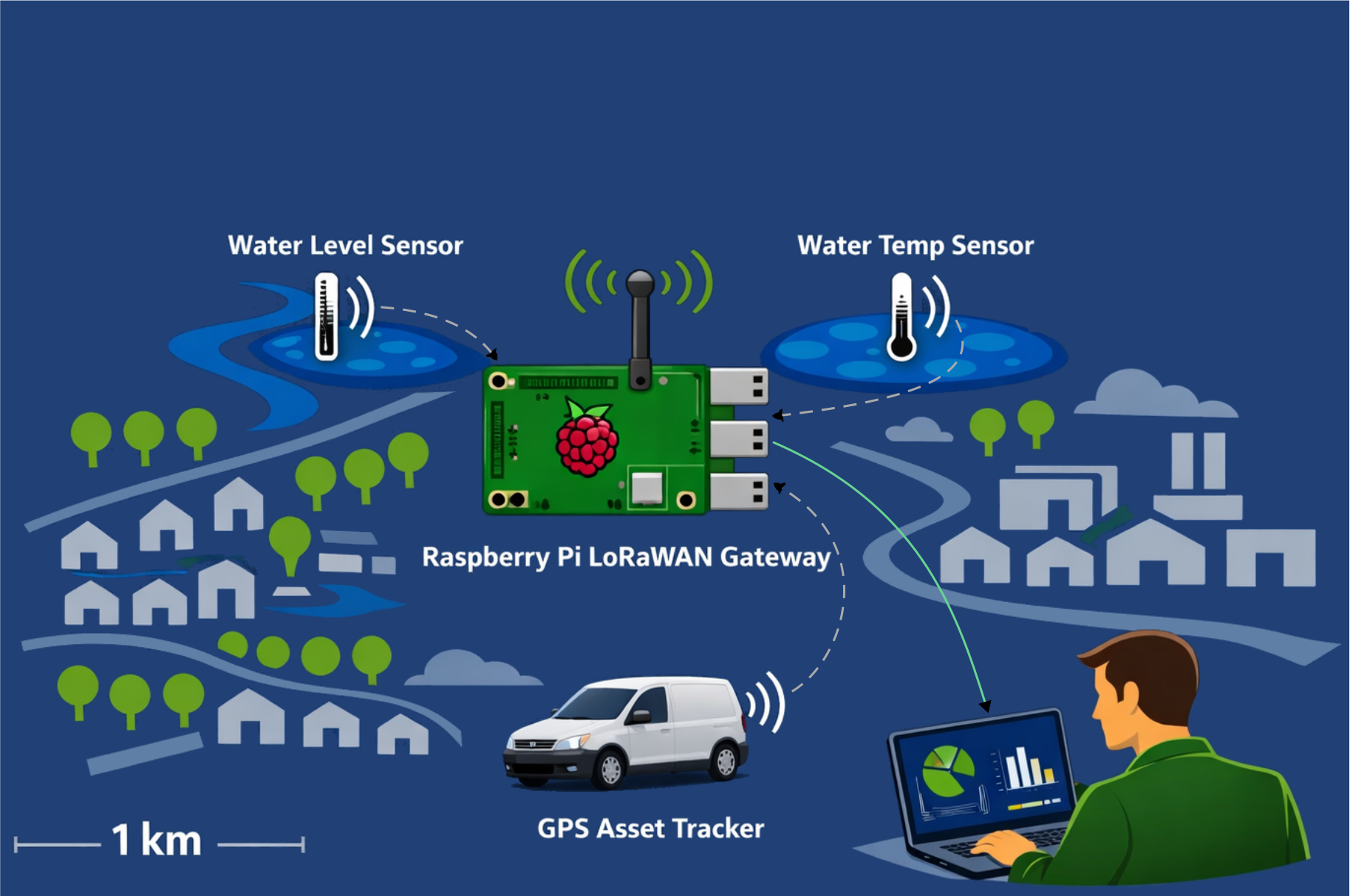
The hybrid approach
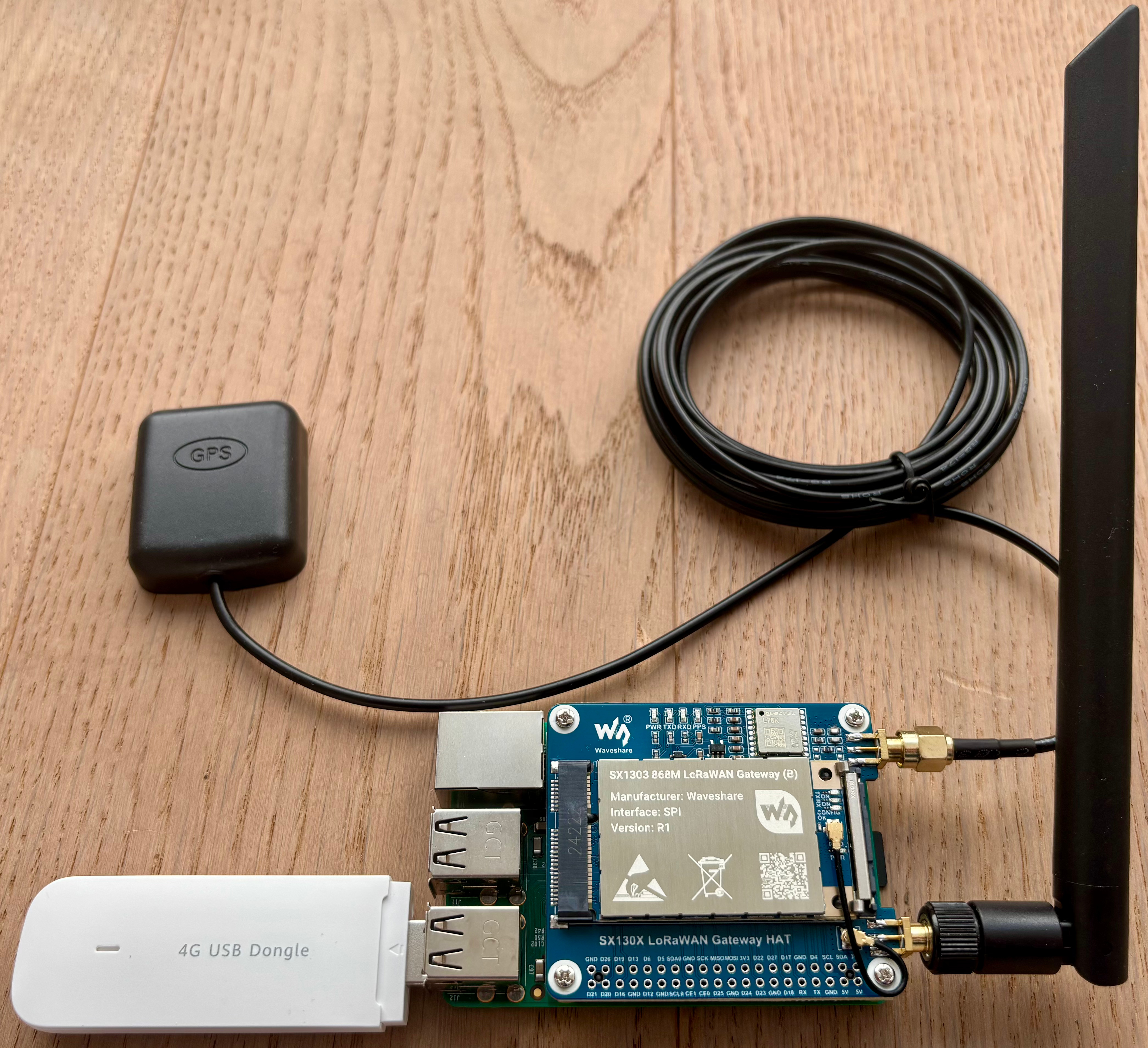
- Act as a TTN gateway
- Decode all own device messages locally
- No changes to devices
- No changes to TTN
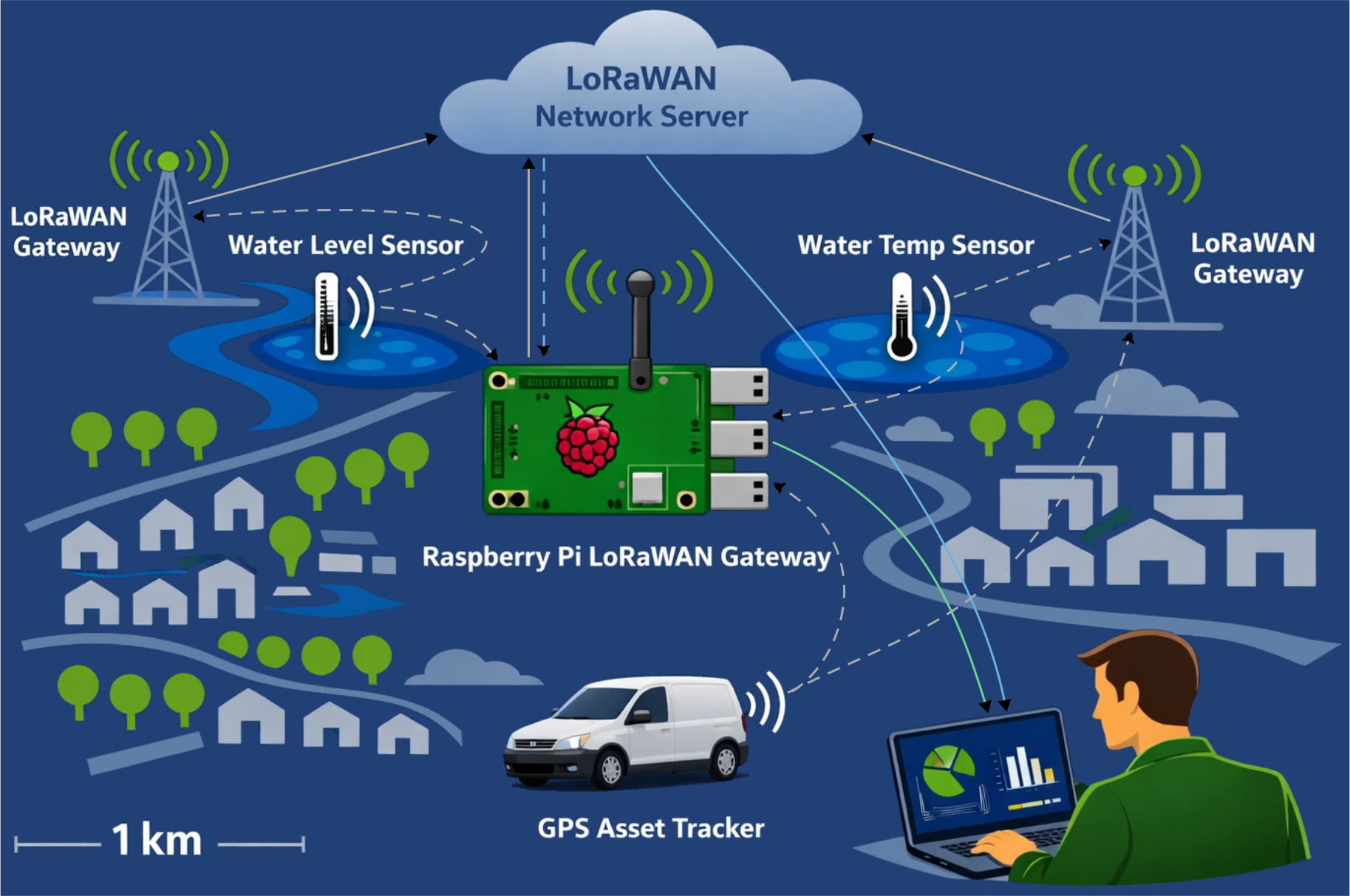
UDP stream duplication
A LoRaWAN message
The gateway receives an encrypted LoRaWAN frame:
| MHDR | DevAddr | FCnt | FPort | frmPayload | MIC |
|---|---|---|---|---|---|
| 40 | d4c3b2a1 | 0200 | 01 | 2c46e592c0b8c064 | 24fc865e |
| type | A1B2C3D4 | 2 | 1 | (encrypted) | checksum |
The gateway forwards the frame to TTN as-is.
Everything visible except the frame payload.
LoRaWAN encryption
- Each device has its own session keys (AppSKey, NwkSKey)
- Without the keys, the payload is unreadable
- Keys are stored on the Network Server – fetch them via TTN API (request_ttn_devices.py)
Fetching session keys from TTN
# request_ttn_devices.py (simplified)
for app_id in application_ids:
    for device in list_application_devices(session, app_id):
        net_data = request_device_keys(session, app_id, device["device_id"])
        app_data = request_app_device_data(session, app_id, device["device_id"])
        store_device_session_in_db(
            dev_eui    = net_data["ids"]["dev_eui"],
            dev_addr   = net_data["session"]["dev_addr"],
            app_s_key  = app_data["session"]["keys"]["app_s_key"]["key"],
            nwk_s_key  = net_data["session"]["keys"]["f_nwk_s_int_key"]["key"],
            ...
)Python meets JavaScript
- LoRaWAN decryption relies on lora-packet (JS)
- Device payload decoders exist as JavaScript only
- Python has no direct access to JS libraries
- Solution: Node.js HTTP service
Node.js HTTP service
// nodejs/decoders_api.js
const express = require("express");
const lora_packet = require("lora-packet");

const app = express();
app.use(express.json());

// ... extractMessageInfo, decryptPayload, decodePayload

app.post("/info/hex",    (req, res) => extractMessageInfo(req, res, "hex"));
app.post("/decrypt/hex", (req, res) => decryptPayload(req, res, "hex"));
app.post("/decode/hex",  (req, res) => decodePayload(req, res, "hex"));

app.listen(3000);Decryption at the gateway
# message_processor.py
raw_hex = "40" "d4c3b2a1" "00" "0200" "01" "2c46e592c0b8c064" "24fc865e"
#          MH   DevAddr    FC   FCnt   FP   frmPayload         MIC

info = requests.post(f"{BASE_URL}/info/hex",
    json={"payload": raw_hex}).json()
# --> devAddr, fPort, fCnt, frmPayload (encrypted)

session = get_latest_session_by_dev_addr(info["devAddr"])
# --> application_id, device_id, app_s_key, nwk_s_key

decrypted = requests.post(f"{BASE_URL}/decrypt/hex", json={
    "payload":   raw_hex,
    "app_s_key": session["app_s_key"],  # payload decryption
    "nwk_s_key": session["nwk_s_key"],  # MIC verification
}).json()
# --> "f09f918bf09f8c8d"Payload decoding
# message_processor.py
decoded = requests.post(f"{BASE_URL}/decode/hex", json={
    "payload":     decrypted,                  # "f09f918bf09f8c8d"
    "application": session["application_id"],  # "demo"
    "device":      session["device_id"],       # "hello_world"
    "fPort":       info["fPort"],              # 1
}).json()
// decoders/demo/hello_world.js
function decodeUplink(input) {
return {
data: { text: Buffer.from(input.bytes).toString("utf8") },
warnings: [],
errors: []
};
}
module.exports = { decodeUplink };Local data storage & API
- Decoded messages stored in SQLite
- FastAPI serves the data on port 8080
- Data stays accessible offline
By the way – this was in that payload:
| "f09f918b" | → | 👋 |
| "f09f8c8d" | → | 🌍 |